New interface
UI redesigned from scratch: cleaner, faster and true to the VTR identity.
VTR Studio · v2.0.0 Beta
Update your pedals, manage presets and shape your rig right from your computer. A high-performance native app for macOS and Windows, with Linux coming soon.
Digitally signed for Windows and macOS. Automatic updates inside the app.
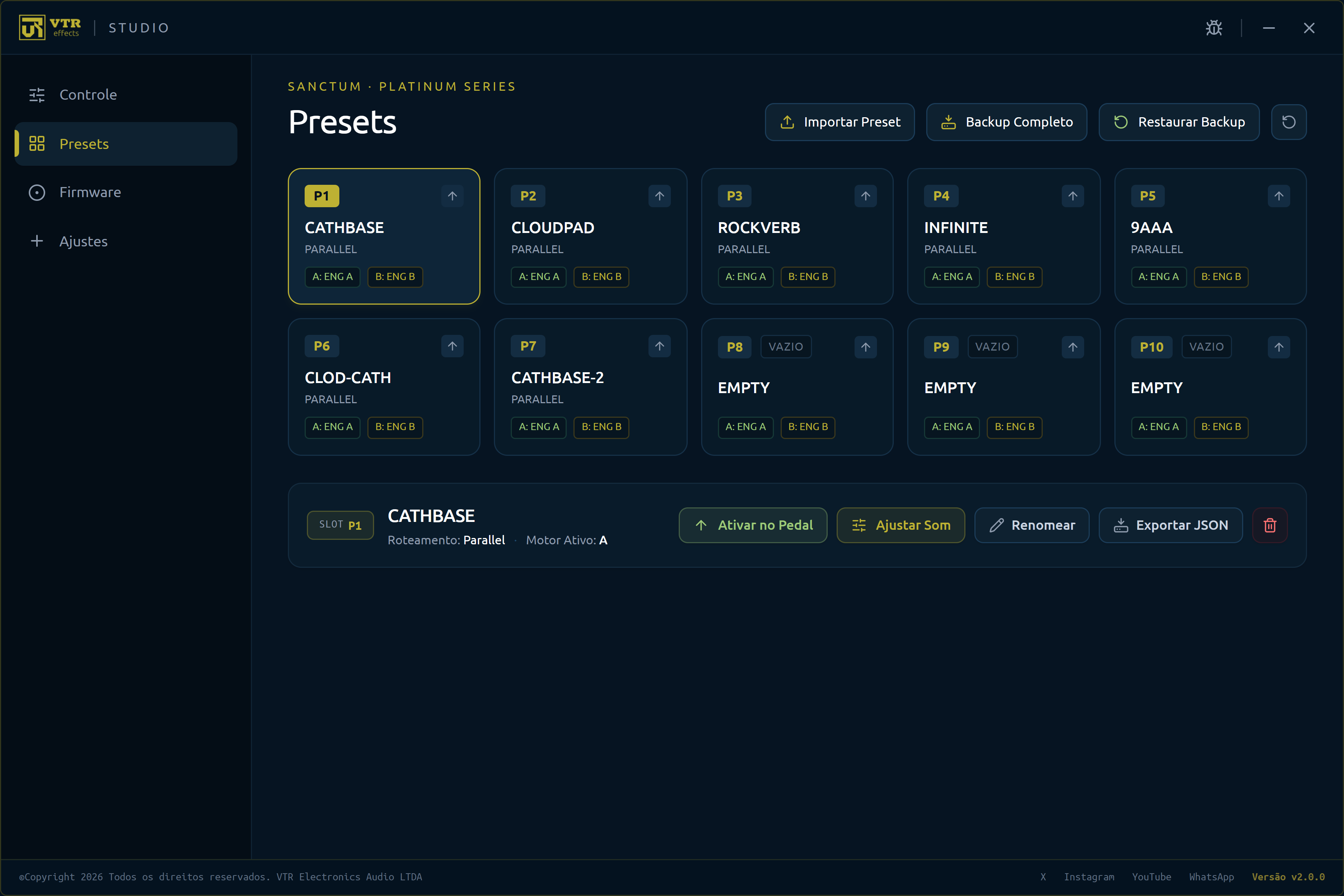
What's new · v2.0.0 Beta
UI redesigned from scratch: cleaner, faster and true to the VTR identity.
Adjust the Ignis controls straight from VTR Studio, with the pedal connected over USB.
VTR Studio is now digitally signed on Windows and macOS. Anyone who installs v2.0.0 gets the next updates automatically in the app — this is the last time you need to download the installer from the website.
What Studio does
New features and algorithm improvements reach the pedal you already own, free. Plug in over USB and Studio installs the latest version.
Export and import .vtr files to keep your settings, move them to another computer or share them with other musicians.
Adjust the Ignis controls on your computer screen with the pedal connected over USB. Available from v2.0.0 Beta.
Plug in and it knows: model, serial number and firmware version show up right away.
If an update fails, Studio keeps the previous version and restores the pedal automatically.
Compatibility
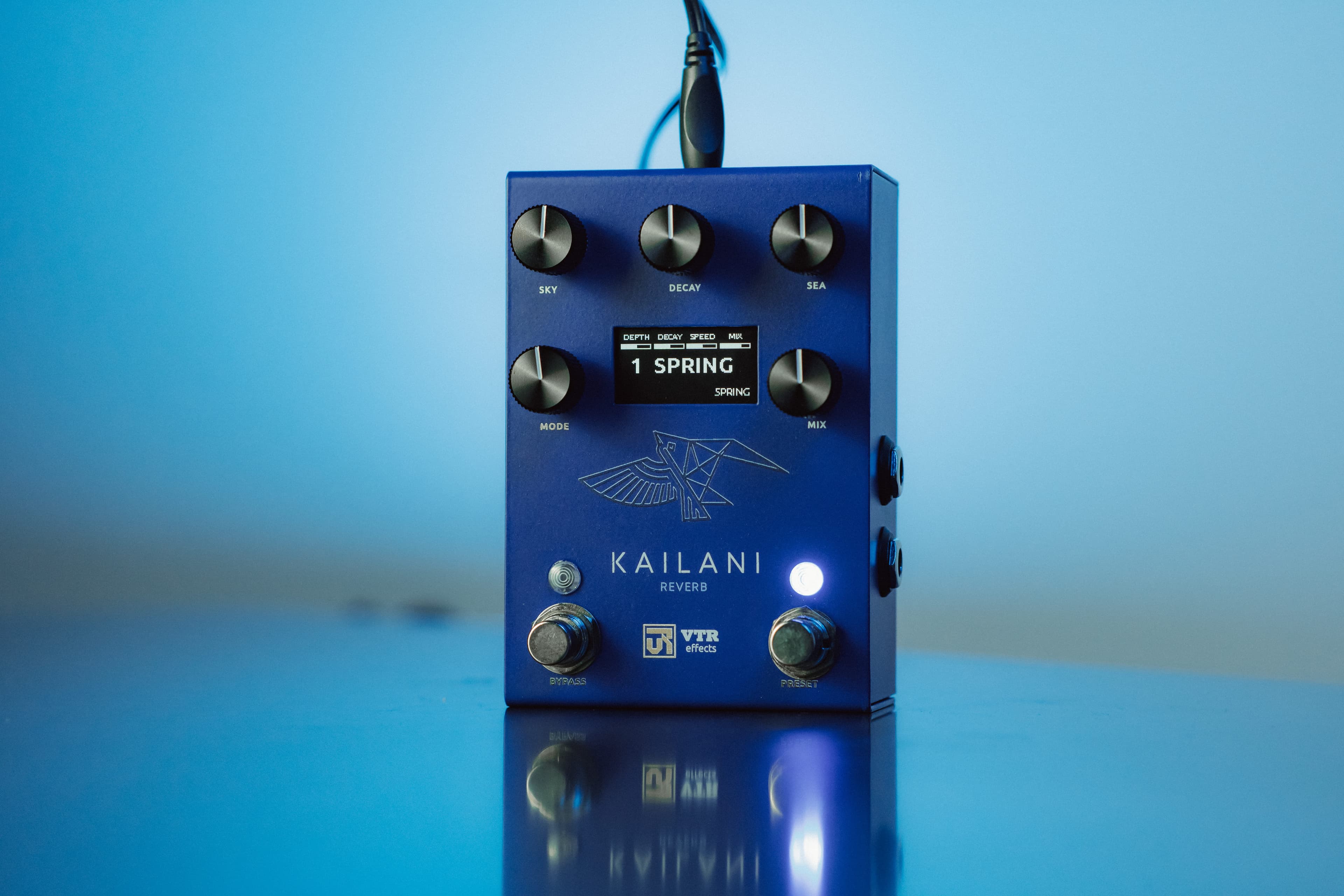
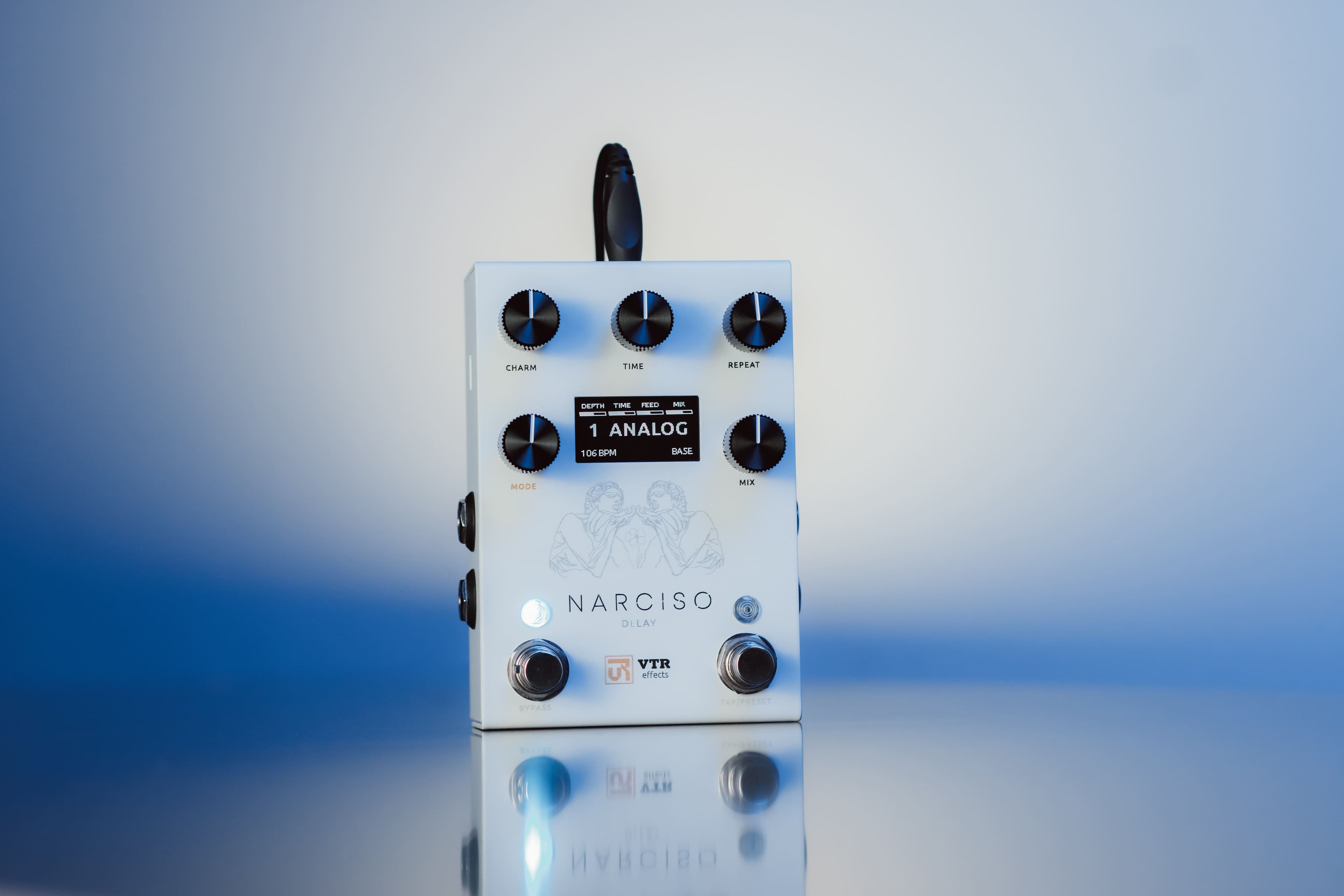
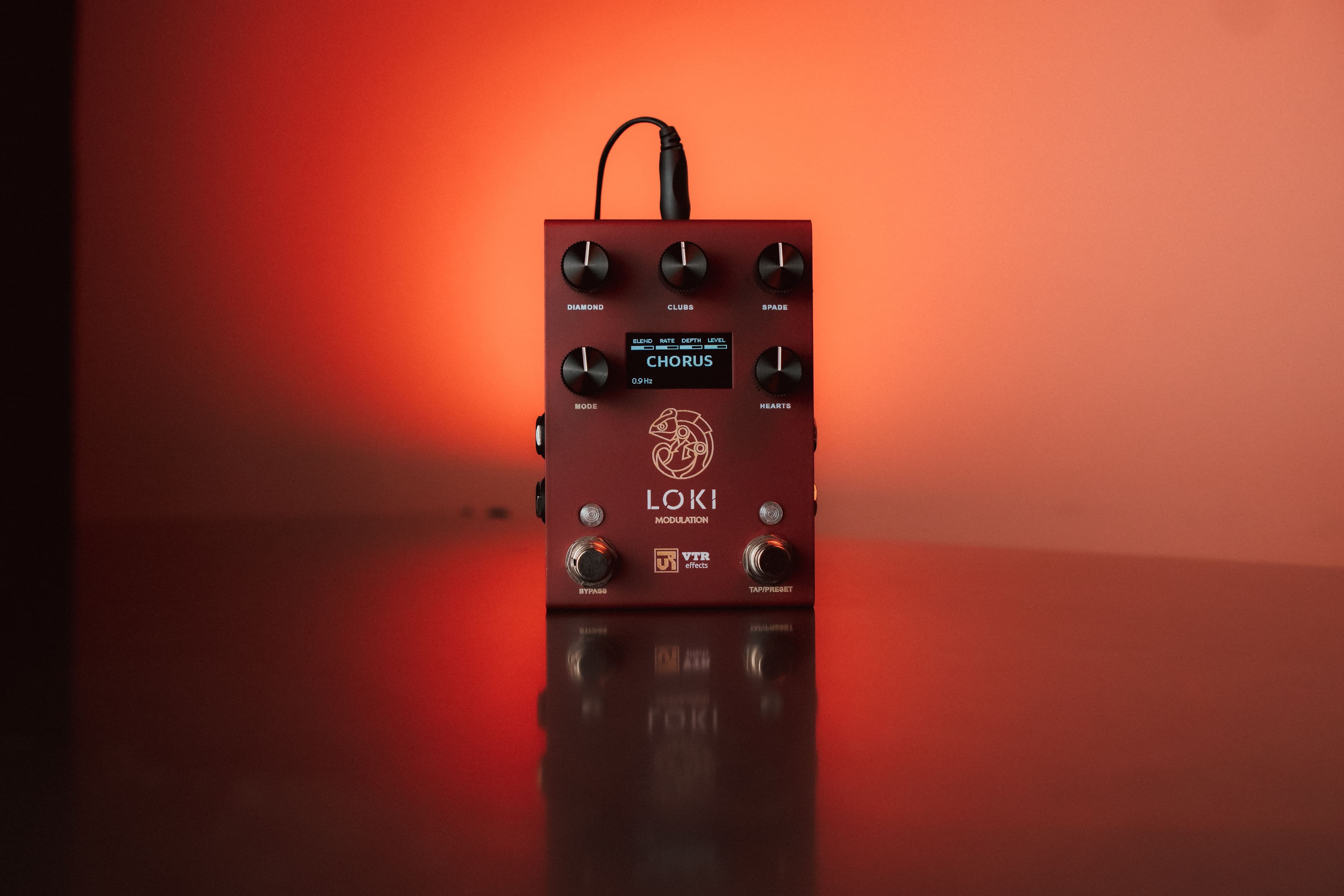
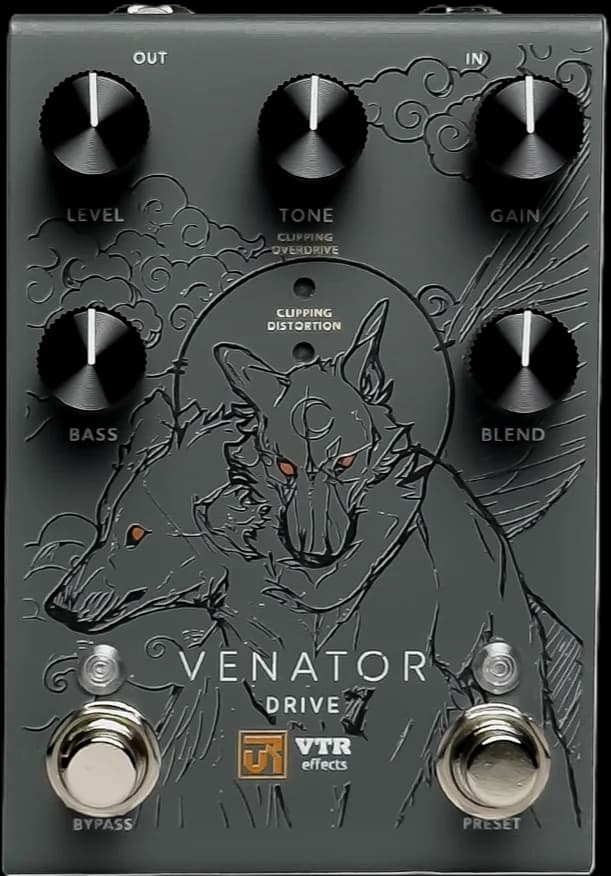
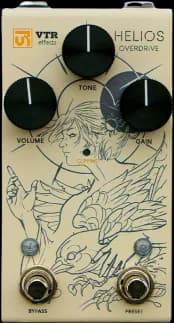
Studio recognizes and edits pedals from the Gold Series and Platinum Series. More models coming.
All versions
Complete version archive. Includes SHA-256 hashes and release notes.
| Version | Platform | Architecture | File | Size | Date | Download |
|---|---|---|---|---|---|---|
| v2.0.0 Beta | macOS | Universal | VTR_Studio_Installer.dmg | 108 MB | 18 Set 2026 | ↓ Download |
| v2.0.0 Beta | Windows | x64 | VTR_Studio_Installer.exe | 181.9 MB | 18 Set 2026 | ↓ Download |
| v1.0.8 | macOS | Universal | VTR-Studio-1.0.8-universal.dmg | — | 18 Ago 2026 | ↓ Download |
| v1.0.8 | Windows | x64 | VTR-Studio-1.0.8.exe | — | 18 Ago 2026 | ↓ Download |
| v1.0.7 | macOS | Universal | VTR-Studio-1.0.7-universal.dmg | — | 08 Jul 2026 | ↓ Download |
| v1.0.7 | Windows | x64 | VTR-Studio-1.0.7.exe | — | 08 Jul 2026 | ↓ Download |
| v1.0.6 | macOS | Apple Silicon · arm64 | VTR-Studio-1.0.6-arm64.dmg | 237.9 MB | 01 Jul 2026 | ↓ Download |
| v1.0.6 | Windows | x64 | VTR-Studio-1.0.6.exe | 94.3 MB | 01 Jul 2026 | ↓ Download |
| v1.0.5 | macOS | Universal | VTR-Studio-1.0.5.dmg | 237.9 MB | 25 Jun 2026 | ↓ Download |
| v1.0.5 | Windows | x64 | VTR-Studio-1.0.5.exe | 94.3 MB | 25 Jun 2026 | ↓ Download |
| v1.0.4 | macOS | Universal | VTR-Studio-1.0.4.dmg | 84 MB | 04 Jun 2026 | ↓ Download |
| v1.0.4 | Windows | x64 | VTR-Studio-1.0.4.exe | 76 MB | 04 Jun 2026 | ↓ Download |
| v1.0.4 | Linux | AppImage · x64 | VTR-Studio-1.0.4.AppImage | 82 MB | 04 Jun 2026 | — |
Requirements
Frequently asked questions